Use show media
Test actual durations, resolutions, audio levels, and file types—not only short placeholder files.

WJ PON SERIES / FIELD GUIDES
Learn practical workflows for audio cues, music, 4K video, still images, and clean external display output. Each guide is based on current WJ Pon app screens and hands-on testing for live shows and events.
PRACTICAL GUIDES
These guides go beyond feature lists and follow the path from preparing media to running it during a live production.
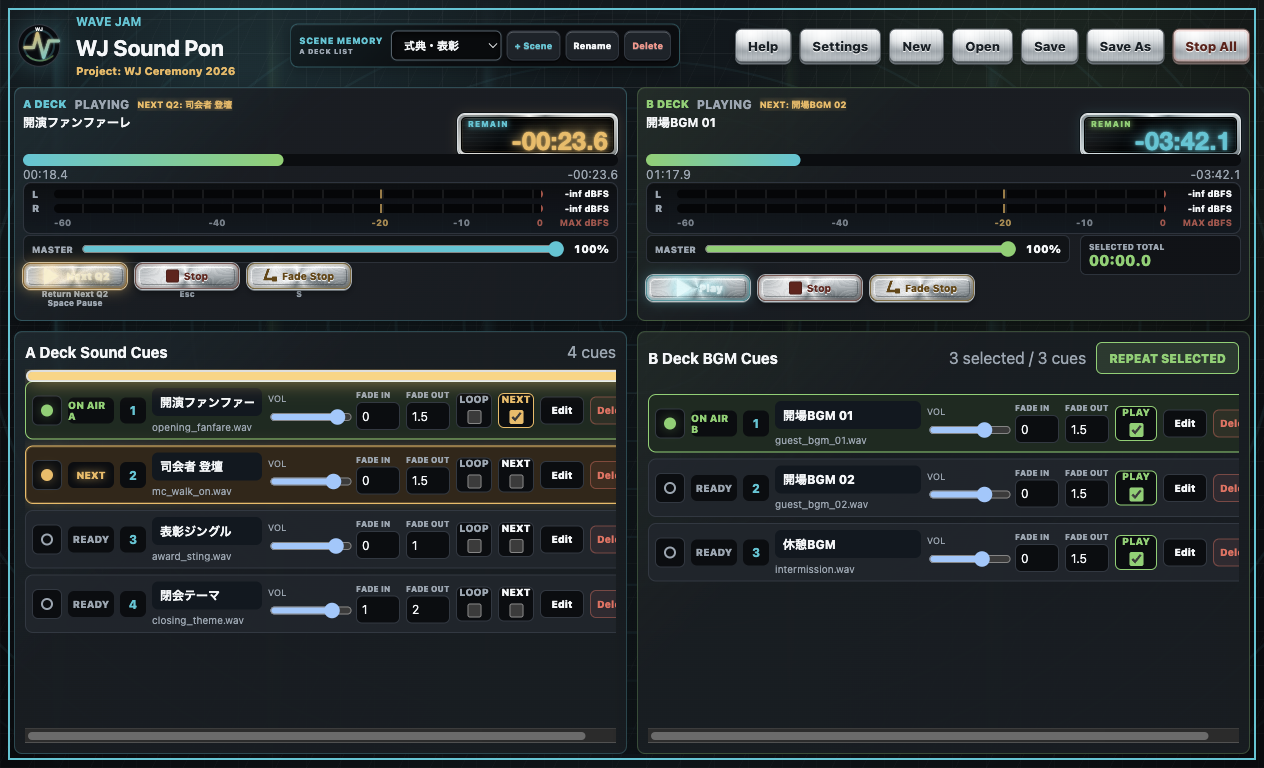
AUDIO CUE PLAYBACK / MAC
Prepare audio, divide effects and music between A/B decks, use LOOP and NEXT, organize show sections with Scene Memory, route outputs, and complete a pre-show check.
Read the audio cue playback guide →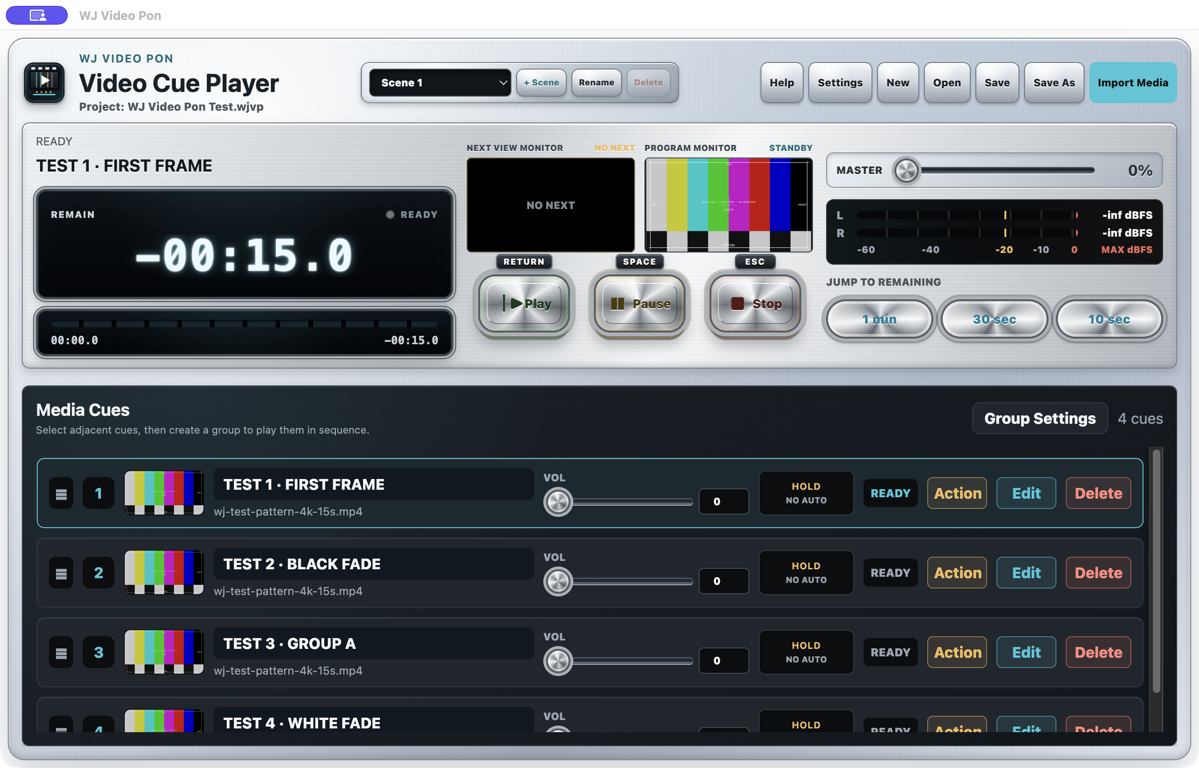
VIDEO PLAYOUT / EXTERNAL DISPLAY
Prepare the display, build mixed-media cue lists, use PROGRAM and NEXT, configure Action behavior, loop holding media, and verify the complete signal path.
Read the video playout guide →CHOOSE THE RIGHT TOOL
WJ Sound Pon and WJ Video Pon are separate products. Choose by the media you need to play and the destination that receives it.
| Question | WJ Sound Pon | WJ Video Pon |
|---|---|---|
| Primary media | Sound effects, stings, jingles, and music files | 4K video, motion media, photos, and JPG, PNG, or HEIC still images |
| Primary output | Built-in Mac audio or external audio hardware, with separate A/B routing available | Operator controls on the Mac and clean full-screen output on an external display |
| Core workflow | Two A/B decks, NEXT, LOOP, Fade Stop, and Scene Memory | PROGRAM/NEXT, per-cue Action settings, cut/crossfade, and Scene Memory |
| Supported Mac | Apple Silicon or Intel, macOS 13 or later | Apple Silicon, macOS 12 or later |
FIELD-FIRST CHECKS
Playback behavior depends on the Mac, media encoding, audio hardware, adapters, projectors, and displays used in the final signal path.
Test actual durations, resolutions, audio levels, and file types—not only short placeholder files.
Use the audio interface, HDMI adapter, projector, switcher, or display planned for the venue.
Let holding music and looped video pass through several boundaries, not just the first play.
Agree on Stop, Pause, Escape, cue selection, and the next action before the operator is under pressure.
TRY WITH YOUR OWN SETUP
Test the app with your Mac, production media, and connected hardware before purchasing. Sound and Video are available as separate downloads.